

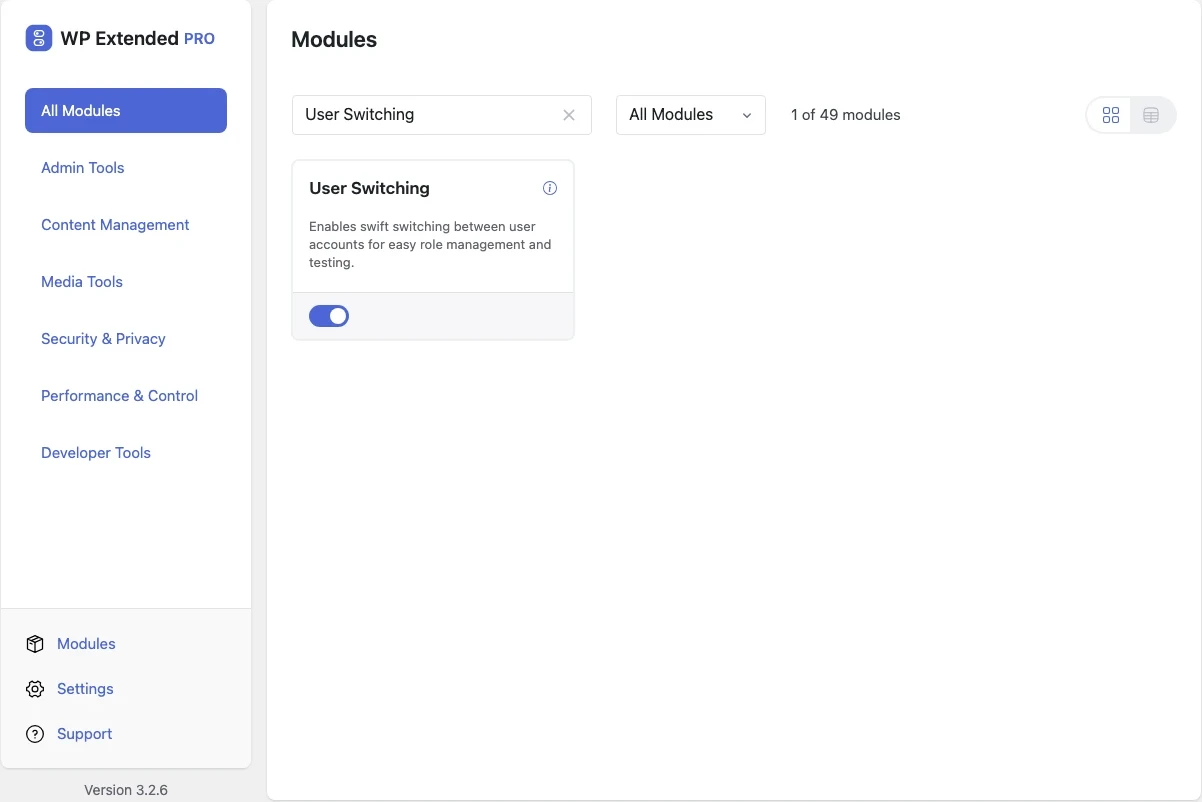
Switch between WordPress users in one click
See the site exactly as a customer, editor or member sees it, then switch back to your own account. You don’t need passwords, private windows or test accounts.
Free on WordPress.org. Pro adds the extra options listed below.
- with extra Pro options
- Free
- developer hooks
- 13
- last improved in
- 3.3.0
- Developer Tools modules
- 6
Why you need User Switching
Testing what another role can see usually means logging out, logging in as a test user, then logging back in. If the test account doesn’t exist yet, you create one first and share its password.
When a client reports that something “doesn’t work for them”, you can’t see what they are seeing.
What User Switching does
Switch to any user
A Switch To link on the Users screen and on profiles logs you in as that user instantly.
Switch back in one click
Return to your own account from the admin bar or the login screen.
Favourite user in the admin bar
Pro adds a default user to your admin bar, so the account you test with most is always one click away.
Developer hooks
Filters and actions for redirects, cookies and permissions let you adapt switching to your project.
Set it up
In WordPress, open WP Extended and find User Switching under Developer Tools.
Full setup guide- 01 Turn on User Switching under Developer Tools.
- 02 Go to Users and click Switch To next to any account.
- 03 Check the site as that user, then click Switch back in the admin bar.
Where User Switching helps
WooCommerce customer view
Check a customer’s account page, orders and pricing as they see them.
Membership and course sites
Confirm restricted content shows and hides correctly for each level.

Reproduce client bug reports
See exactly what an editor sees when they report a missing menu or button.
WP Extended vs the User Switching plugin
The User Switching plugin has 200k+ active installs on WordPress.org. If you only need this one job, that’s a fine choice. If the site also needs other modules on this list, it’s one less plugin to update.
- What User Switching covers
- Switching to any user and back, with a favourite user in the admin bar in Pro and hooks for custom behaviour.
- When to choose the specialist plugin
- The standalone plugin is a good choice if user switching is the only tool you need on a site.
For developers
User Switching has 13 hooks for changing its behaviour per project, without editing the plugin.
All User Switching hooksadd_filter( 'wpextended/user-switching/current_old_user', function ( $old_user ) {
// Filters the old user object retrieved from the cookie.
return $old_user;
} );- user-switching/clear_olduser_cookie
- user-switching/current_old_user
- user-switching/do_switch_off
- user-switching/get_redirect
- user-switching/login_message
- user-switching/redirect_to
- +7 more
User Switching questions
User Switching documentationYes. Switching users is free. WP Extended Pro adds a favourite user in the admin bar.
Only users who can already edit other users, which normally means administrators. Switching never gives anyone more access than they already had.
No. You switch to their account directly and switch back to yours without logging in again.
Get User Switching free
User Switching is in the free plugin on WordPress.org, alongside 34 other free modules you can switch on when you need them.
Pro from $29 a year · 14-day money-back guarantee