
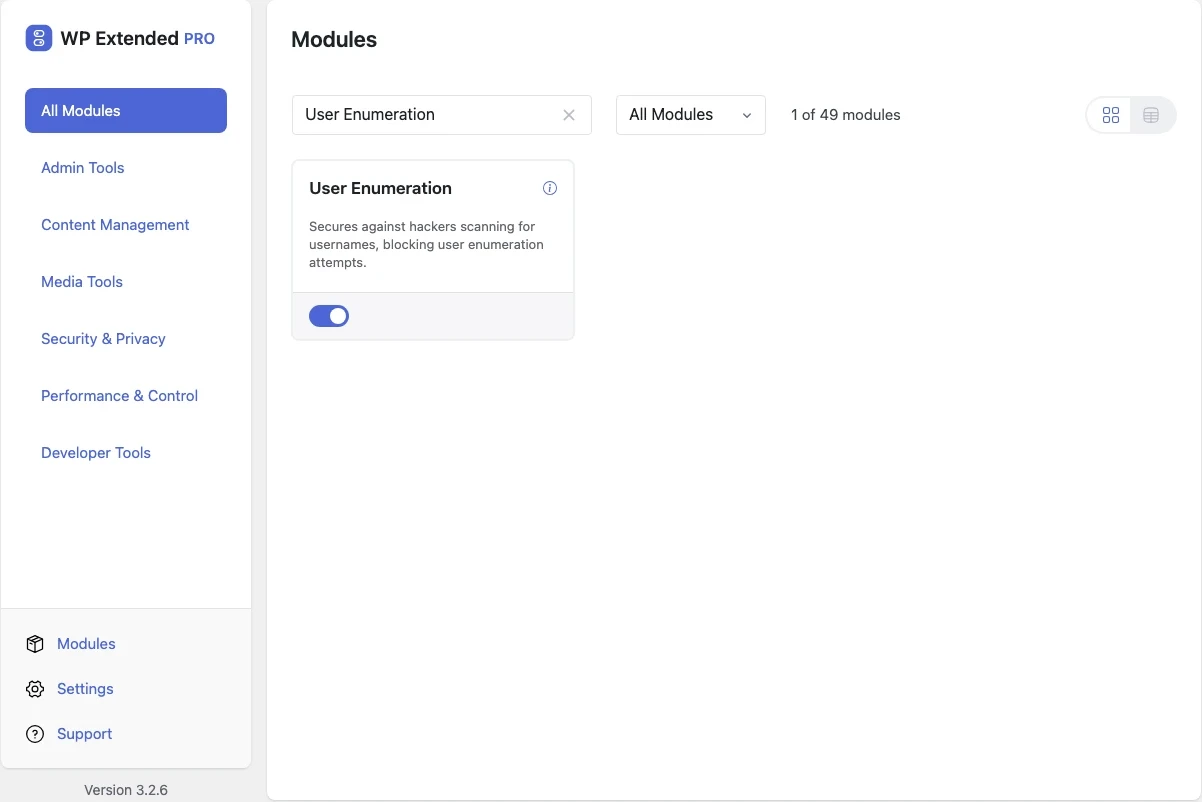
Stop bots finding WordPress usernames
Block the requests bots use to list your usernames, such as ?author=1, so they can’t collect logins to attack.
Free on WordPress.org, with nothing locked behind Pro.
- in the free plugin
- Free
- last improved in
- 3.3.0
- Security & Privacy modules
- 9

Why you need User Enumeration
Visiting yoursite.com/?author=1 redirects to that user’s archive and reveals their username. Bots work through the numbers to build a list of every login on the site.
What User Enumeration does
- Author scans blocked Author ID requests are blocked instead of redirected.
Where User Enumeration helps

Any public site
Remove an easy first step for login attacks.
User Enumeration vs Stop User Enumeration
Stop User Enumeration has 60k+ active installs on WordPress.org. If you only need this one job, that’s a fine choice. If the site also needs other modules on this list, it’s one less plugin to update.
- The difference
- User Enumeration does the same core job inside WP Extended, so it shares one settings screen, one update and one support team with every other module you use.
- v3.3.0 10 Sept 2026
- fixed
Author requests were not blocked.
- fixed
User Enumeration questions
User Enumeration documentationYes. It is in the free plugin, with no settings to configure. Pair it with Hide Author Slugs to also hide usernames in author URLs.
Get User Enumeration free
User Enumeration is in the free plugin on WordPress.org, alongside 34 other free modules you can switch on when you need them.
Pro from $29 a year · 14-day money-back guarantee