

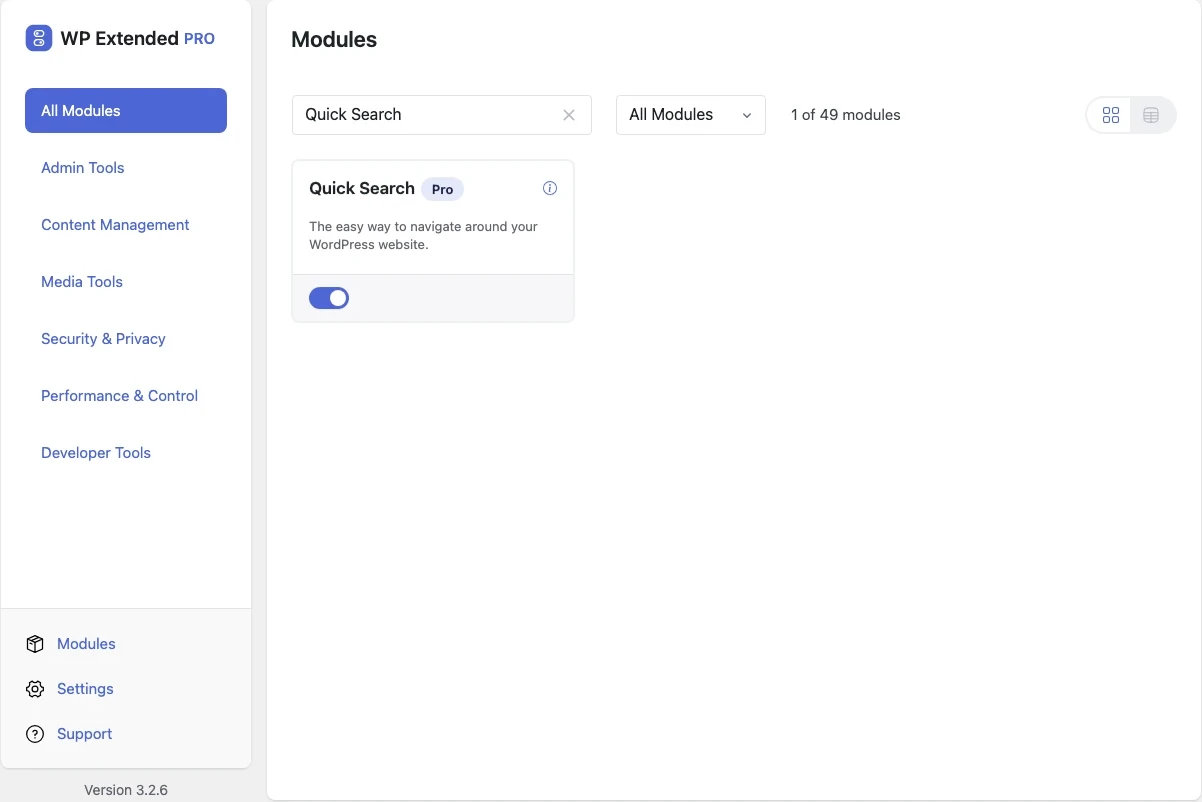
Jump to any admin screen with one search
A search box in the admin bar that finds posts, pages, settings screens and common actions as you type, with fuzzy matching for typos.
Included in every Pro plan, alongside all the other modules.
- included in every Pro plan
- Pro
- developer hooks
- 3
- last improved in
- 3.2.2
- Admin Tools modules
- 12

Why you need Quick Search
Getting to a setting means remembering which menu a plugin hid it under. On a busy admin that’s a lot of clicking around.
What Quick Search does
Search everything
Content, admin screens and actions like Add New Post or Manage Plugins.
Forgiving matches
Fuzzy matching finds results even with typos.
Plugin integrations
Results from supported plugins, such as their forms.
Where Quick Search helps

Busy admins
Get anywhere in a couple of keystrokes.
For developers
Quick Search has 3 hooks for changing its behaviour per project, without editing the plugin.
All Quick Search hooksadd_filter( 'wpextended/max_search_results', function ( $value ) {
// Return the value you want to use
return $value;
} );- max_search_results
- search_results
- search_results/{$key}
- v3.2.2 19 Nov 2025
- fixed
Docs link.
- fixed
Quick Search questions
Quick Search documentationNo. It is part of WP Extended Pro.
Get Quick Search with WP Extended Pro
Every Pro plan includes Quick Search and the rest of the toolkit, with updates and support.
Pro from $29 a year · 14-day money-back guarantee