
Change featured images from the post list
Add a featured image column to the list screen and change any image in place, including on WooCommerce products.
Included in every Pro plan, alongside all the other modules.
- included in every Pro plan
- Pro
- setting to configure
- 1
- developer hooks
- 2
- last improved in
- 3.1.0

Why you need Quick Image
Checking which posts are missing a featured image, or refreshing images across a category, means opening every post one at a time.
What Quick Image does
Image column
See every featured image in the list.
Change in place
Pick a new image without opening the post.
WooCommerce products
Works on the products list too.
What you can configure
1 settings, all included with Pro.
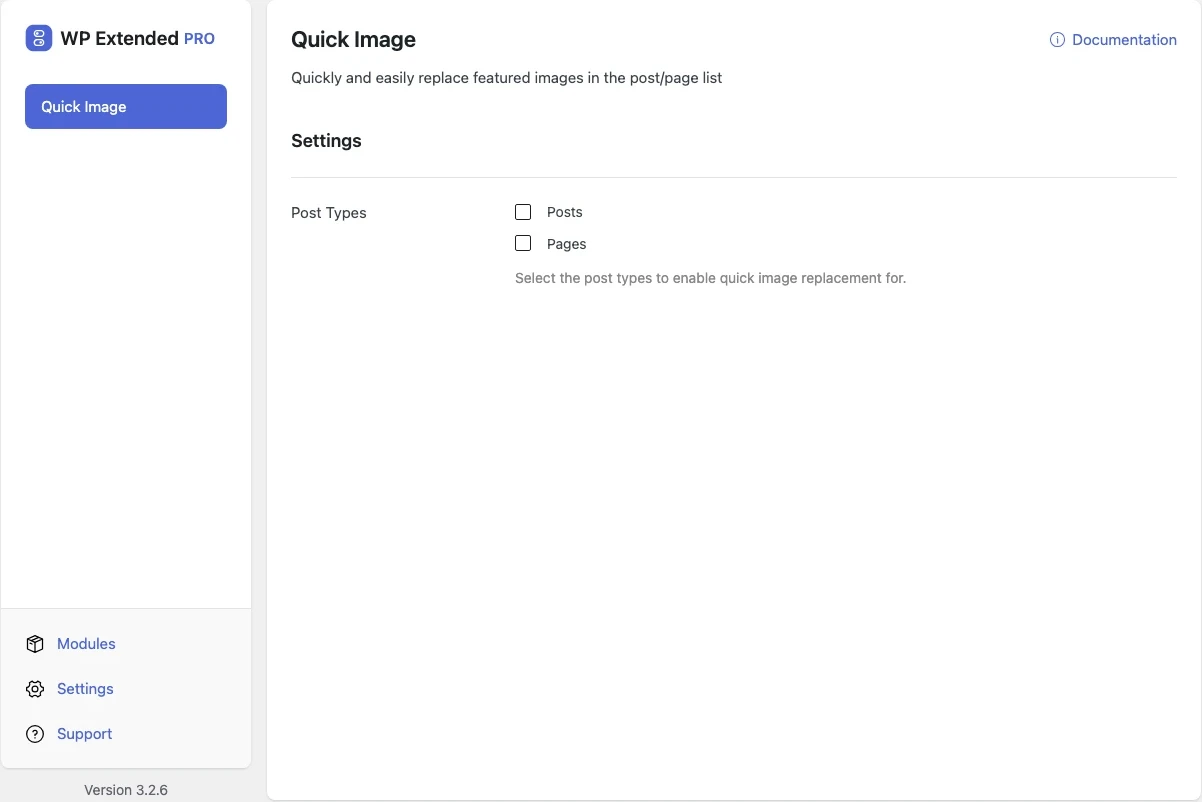
- Post Types Select the post types to enable quick image replacement for.
Where Quick Image helps

Image refreshes
Update a whole category’s images in minutes.
For developers
Quick Image has 2 hooks for changing its behaviour per project, without editing the plugin.
All Quick Image hooksadd_filter( 'wpextended/quick-image/excluded_post_types', function ( $excluded ) {
// Filters the post types left out of this module’s post type list.
return $excluded;
} );- quick-image/excluded_post_types
- quick-image/post_types
- v3.1.0 22 Sept 2025
- new
Enable per post type option.
- new
Success/error notification added.
- new
Quick Image questions
Quick Image documentationNo. It is part of WP Extended Pro.
Get Quick Image with WP Extended Pro
Every Pro plan includes Quick Image and the rest of the toolkit, with updates and support.
Pro from $29 a year · 14-day money-back guarantee