
Start a new post from the one you’re editing
Add a new post, page or custom post type item straight from the edit screen, without going back to the list first.
Included in every Pro plan, alongside all the other modules.
- included in every Pro plan
- Pro
- setting to configure
- 1
- developer hooks
- 2
- updates since 2024
- 7

Why you need Quick Add Post
Adding a run of related content means bouncing between the editor and the list screen for every new item.
What Quick Add Post does
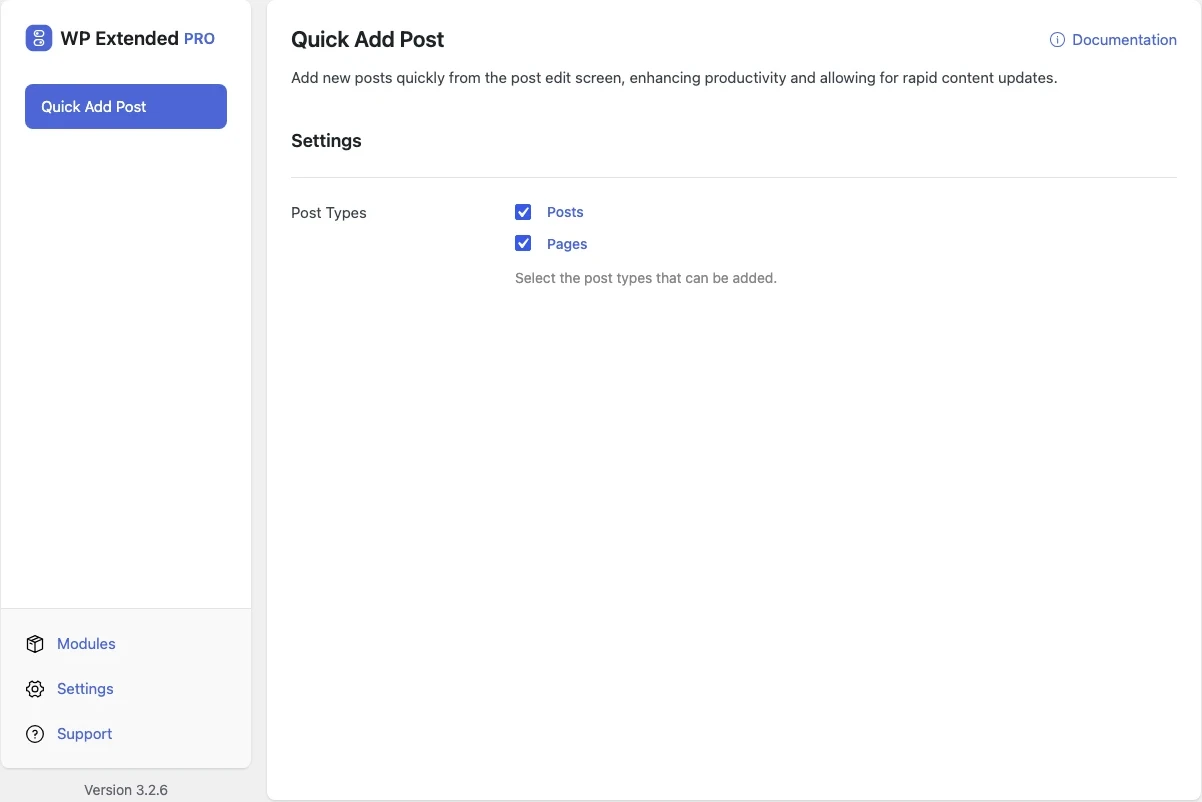
- Add from the editor A quick add option on the edit screen for the post types you choose.
What you can configure
1 settings, all included with Pro.
- Post Types Select the post types that can be added.
Where Quick Add Post helps

Batch content entry
Add a series of products, events or team members in one sitting.
For developers
Quick Add Post has 2 hooks for changing its behaviour per project, without editing the plugin.
All Quick Add Post hooksadd_filter( 'wpextended/quick-add-post/excluded_post_types', function ( $value ) {
// Return the value you want to use
return $value;
} );- quick-add-post/excluded_post_types
- quick-add-post/is_enabled
- v3.3.0 10 Sept 2026
- fixed
The post-type restriction had no effect.
- fixed
- v3.2.7 21 Jun 2026
- fixed
“New” button vanishing from the block editor toolbar after editor changes.
- fixed
- v3.2.4 5 Mar 2026
- fixed
Button insertion timing and selector updates.
- fixed
- v3.1.0 22 Sept 2025
- new
Native Block Editor support.
- new
Enable per post type option.
- new
Quick Add Post questions
Quick Add Post documentationNo. Quick Add Post is part of WP Extended Pro.
Get Quick Add Post with WP Extended Pro
Every Pro plan includes Quick Add Post and the rest of the toolkit, with updates and support.
Pro from $29 a year · 14-day money-back guarantee