

Change a post into a page, or any post type
Move content between posts, pages and custom post types from the editor. The content, author and dates come with it, so you don’t need to copy and paste.
Included in every Pro plan, alongside all the other modules.
- included in every Pro plan
- Pro
- setting to configure
- 1
- developer hooks
- 2
- updates since 2023
- 9

Why you need Post Type Switcher
Content often starts life as the wrong type. A news post that should be a page, or pages that belong in a new custom post type after a redesign.
WordPress has no way to change a post’s type, so the usual fix is copying content into a new item and losing its dates and history.
What Post Type Switcher does
Switch from the editor
Choose the new post type from a dropdown and update.
Nothing is copied
The same item changes type, so its ID, content, author and dates stay intact.
Bulk and quick edit
Move several posts at once from the list screen, or change one from Quick Edit.
Choose where it appears
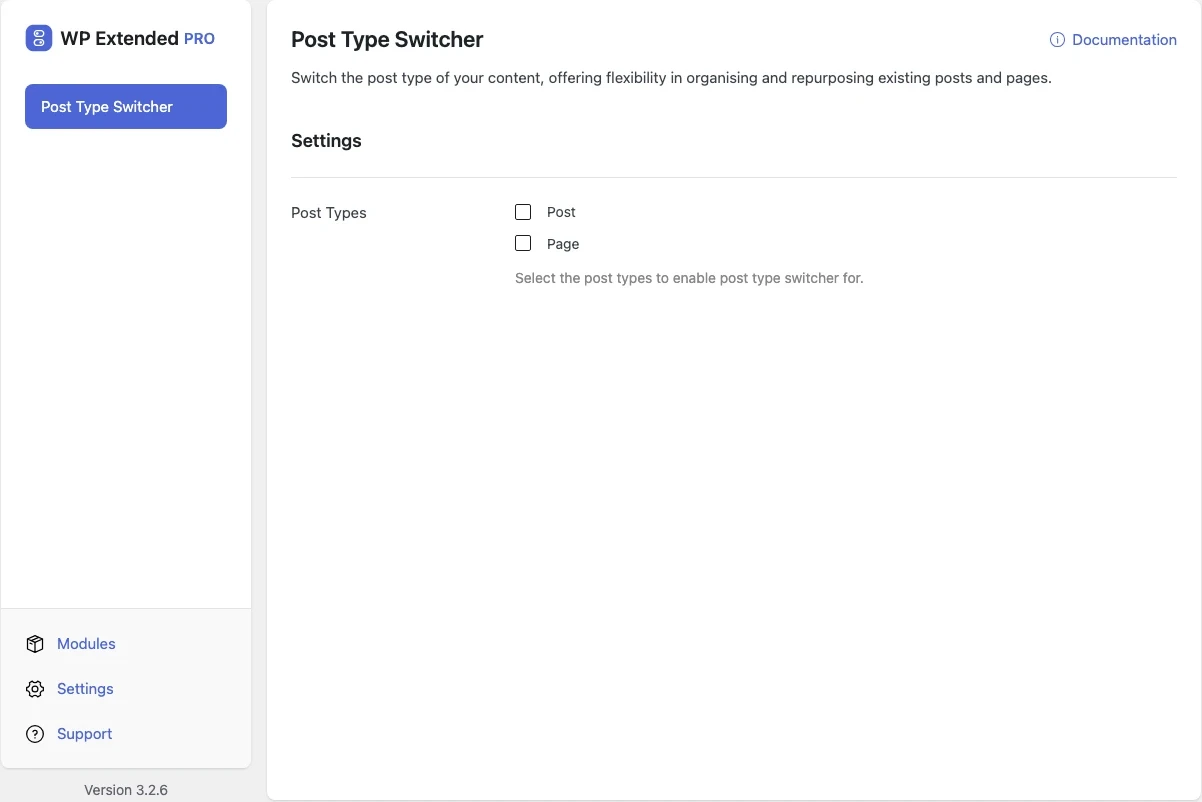
Pick which post types show the switcher.
Set it up
In WordPress, open WP Extended and find Post Type Switcher under Content Management.
Full setup guide- 01 Turn on Post Type Switcher under Content Management.
- 02 Choose the post types that can be switched.
- 03 Open a post, choose the new post type and update.
What you can configure
1 settings, all included with Pro.
- Post Types Select the post types to enable post type switcher for.
Where Post Type Switcher helps

Redesign clean-up
Move service posts into a new Services post type without rebuilding them.

Fixing mistakes
Turn a page someone published as a post into a page.
WP Extended vs the Post Type Switcher plugin
The Post Type Switcher plugin has 200k+ active installs on WordPress.org. If you only need this one job, that’s a fine choice. If the site also needs other modules on this list, it’s one less plugin to update.
- What Post Type Switcher covers
- Switching any item between posts, pages and custom post types from the editor.
- When to choose the specialist plugin
- The standalone plugin covers the same job if it’s the only tool you need.
For developers
Post Type Switcher has 2 hooks for changing its behaviour per project, without editing the plugin.
All Post Type Switcher hooksadd_filter( 'wpextended/post-type-switcher/exclude_post_types', function ( $excluded ) {
// Filters the post types left out of this module’s post type list.
return $excluded;
} );- post-type-switcher/exclude_post_types
- post-type-switcher/translations
Recent changes
The latest updates to Post Type Switcher, from the WP Extended changelog.
Full changelog- v3.4.0 3 Nov 2026
- improved
The editor panel has been rebuilt with React [Pro].
- improved
- v3.3.0 10 Sept 2026
- fixed
Every dropdown option was duplicated.
- fixed
- v3.2.0 24 Oct 2025
- new
Added ability to bulk move multiple posts from one post type to another [Pro].
- new
Added ability to change post type in quick edit view.
- new
- v3.1.0 22 Sept 2025
- new
Native Block Editor support.
- new
Post Type Switcher questions
Post Type Switcher documentationNo. It is part of WP Extended Pro.
It can. Pages and custom post types use different permalink structures, so set up a redirect from the old URL if the content was already published.
Taxonomies that the new post type supports are kept. Ones it doesn’t support stay stored but are no longer shown.
The URL, the template and any links to the item. Our guide to changing a post to a page walks through each one.
Get Post Type Switcher with WP Extended Pro
Every Pro plan includes Post Type Switcher and the rest of the toolkit, with updates and support.
Pro from $29 a year · 14-day money-back guarantee