

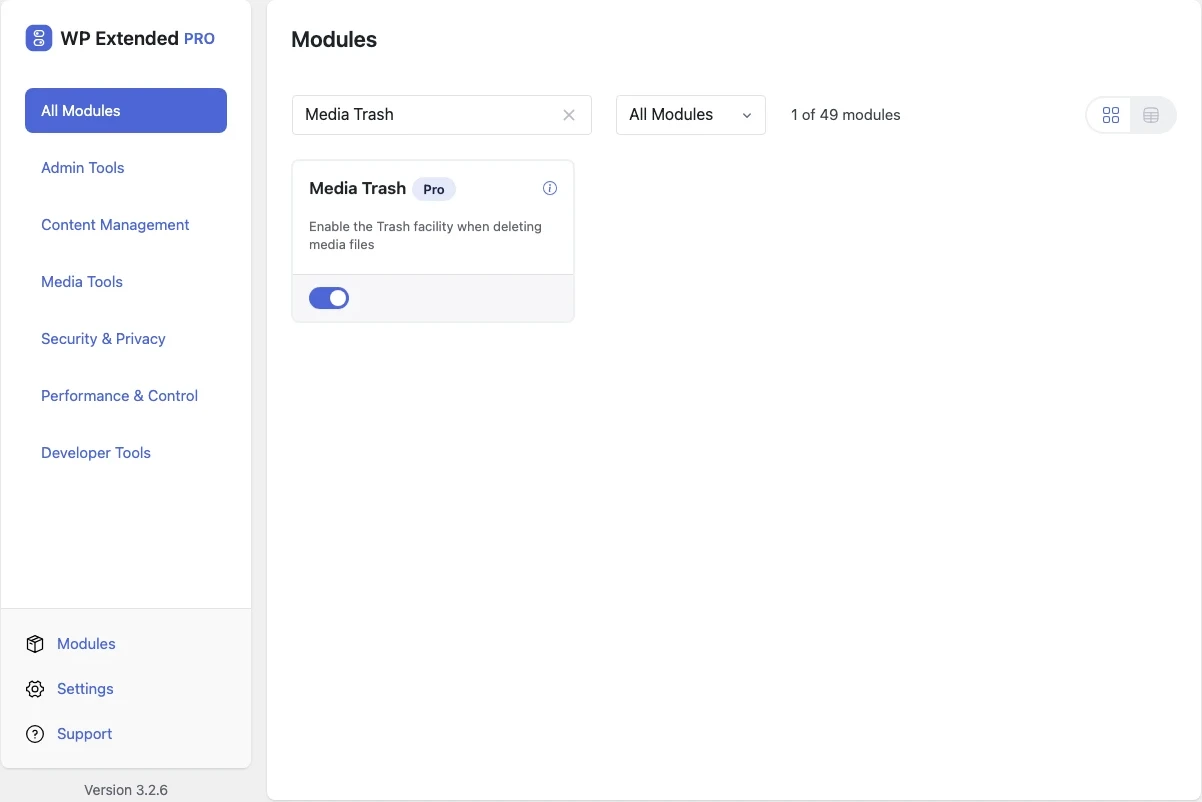
Add a trash to the WordPress media library
Deleted images and files go to the trash instead of disappearing permanently, so you can restore them if they were still in use.
Included in every Pro plan, alongside all the other modules.
- included in every Pro plan
- Pro
- updates since 2025
- 5
- last improved in
- 3.4.2
- Media Tools modules
- 4

Why you need Media Trash
Deleting from the media library is permanent by default. One wrong click removes an image from every page that used it, with no undo.
What Media Trash does
- Trash for media Media gets the same Trash and Restore actions as posts.
Where Media Trash helps

Teams with several editors
Undo accidental deletions without restoring a backup.
- v3.4.2 4 Nov 2026
- fixed
When wp-config.php cannot be written, the error now gives the exact line to add by hand, and stays on screen so it can be copied [Pro].
- fixed
- v3.4.0 3 Nov 2026
- fixed
Their wp-config.php constants were not written [Pro].
- fixed
The wp-config.php marker comment was repeated on every toggle [Pro].
- fixed
Site admins on multisite could write to wp-config.php — this is now limited to Super Admins [Pro].
- fixed
- v3.2.0 24 Oct 2025
- fixed
Notice not hiding after being dismissed or when disabling the module.
- fixed
Media Trash questions
Media Trash documentationNo. It is part of WP Extended Pro.
It switches on WordPress’s own MEDIA_TRASH setting by adding it to wp-config.php for you, so the file must be writable. Switching the module off sets it back to false. On multisite, only a Super Admin can switch it on, because the setting applies to the whole network.
Yes, by editing wp-config.php yourself. Our guide to adding a media library trash shows both ways.
Get Media Trash with WP Extended Pro
Every Pro plan includes Media Trash and the rest of the toolkit, with updates and support.
Pro from $29 a year · 14-day money-back guarantee