

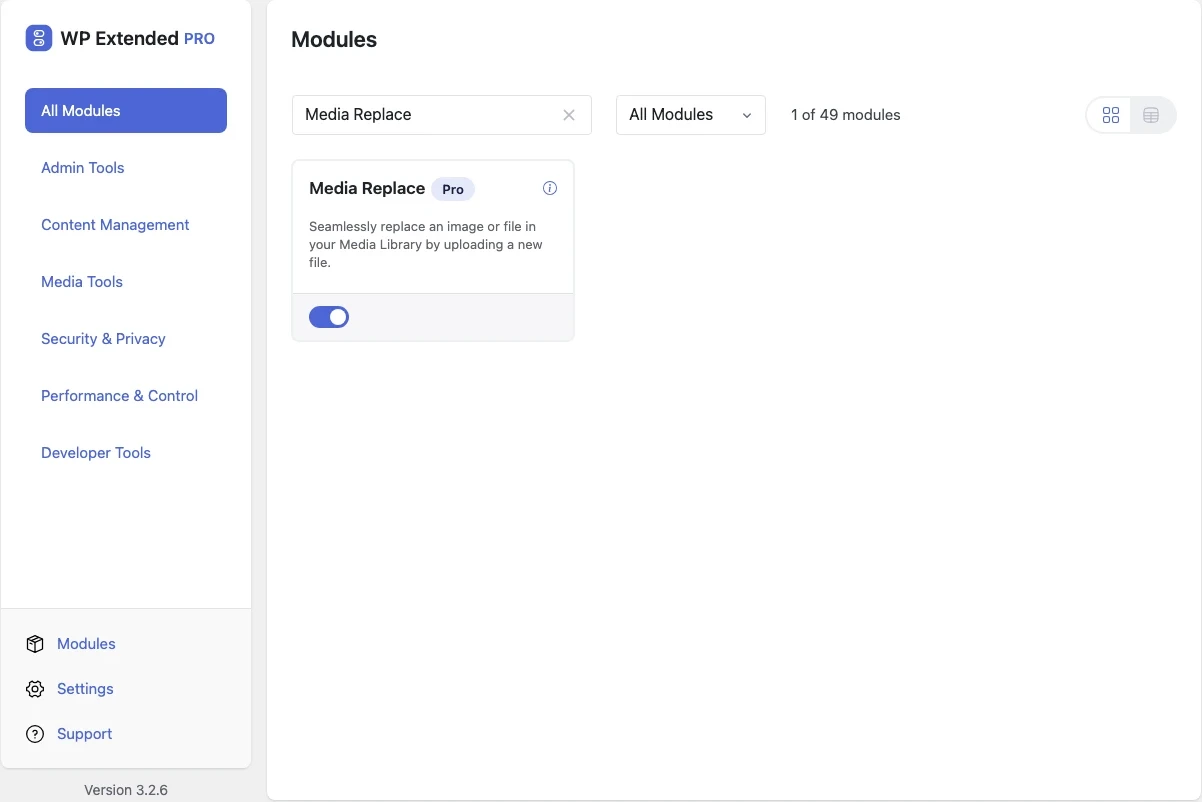
Replace an image or file without changing its URL
Upload a new version of any image or document over the old one. Every page, post and link that uses it shows the new file straight away.
Included in every Pro plan, alongside all the other modules.
- included in every Pro plan
- Pro
- updates since 2025
- 4
- last improved in
- 3.3.0
- Media Tools modules
- 4

Why you need Media Replace
When a price list PDF or a team photo changes, WordPress makes you upload a new file with a new URL, then find and update every page that linked to the old one.
Miss one and visitors download last year’s brochure.
What Media Replace does
Same URL, new file
The attachment keeps its ID and address, so nothing else needs updating.
Type checks
The new file must be the same type as the original, so a PDF can’t be swapped for a JPEG by mistake.
Permission checks
Users can only replace files they have permission to edit.
Where Media Replace helps

Price lists and menus
Update a downloadable PDF and every link keeps working.

Refreshed photos
Swap a team or product photo across the whole site at once.
Media Replace vs Enable Media Replace
Enable Media Replace has 600k+ active installs on WordPress.org. If you only need this one job, that’s a fine choice. If the site also needs other modules on this list, it’s one less plugin to update.
- What Media Replace covers
- Replacing any media file in place with type and permission checks.
- When to choose the specialist plugin
- If you want to replace a file and change its name and URL at the same time, a dedicated plugin offers that option.
- v3.3.0 10 Sept 2026
- fixed
An Author could delete another user’s attachments through the REST endpoint.
- fixed
- v3.2.0 24 Oct 2025
- fixed
PDF preview thumbnails not being deleted, causing orphaned preview thumbnails in the media library.
- fixed
- v3.1.0 22 Sept 2025
- new
Check added for matching file types.
- improved
Enhanced UI in media library.
- new
Media Replace questions
Media Replace documentationNo. It is part of WP Extended Pro.
No. The replacement must be the same file type as the original, which keeps every existing link and embed working.
Yes, though your browser or a caching plugin may show the old version until its cache clears.
Get Media Replace with WP Extended Pro
Every Pro plan includes Media Replace and the rest of the toolkit, with updates and support.
Pro from $29 a year · 14-day money-back guarantee