

Indexing Notice Free
Warn when search engines are blocked
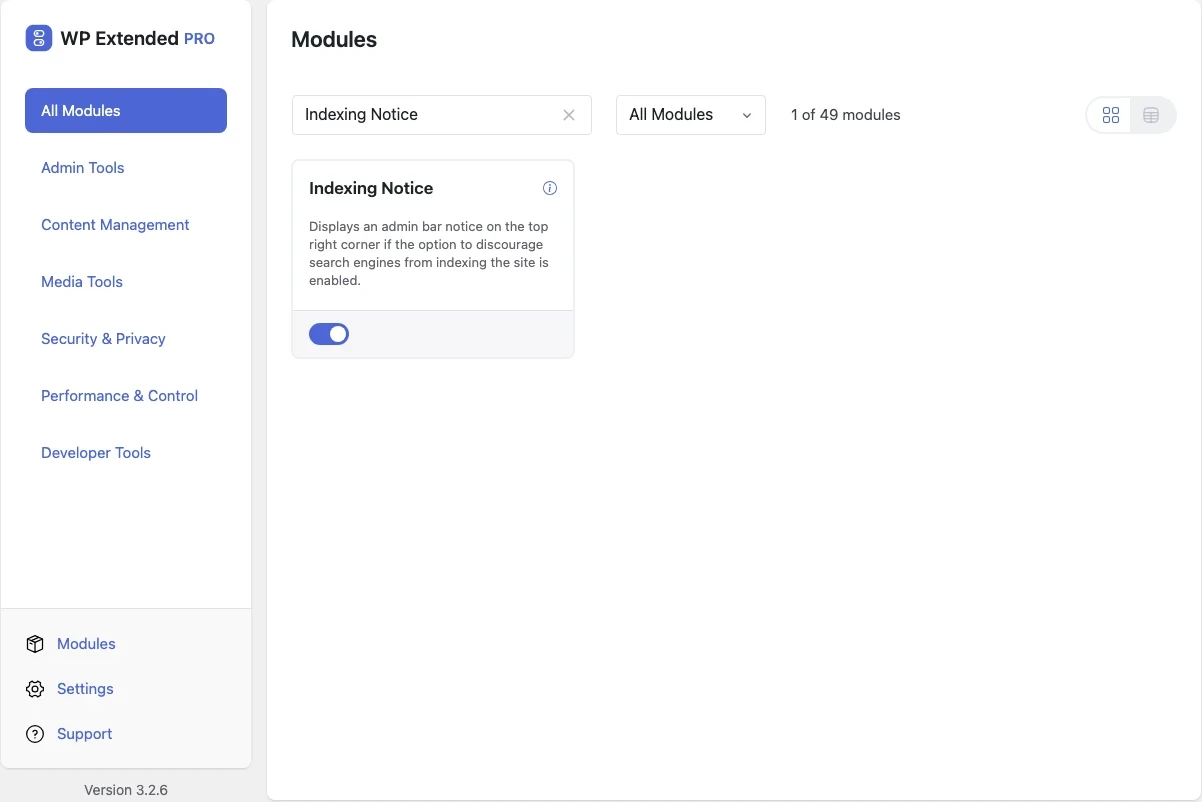
Show a warning in the admin bar whenever “Discourage search engines from indexing this site” is ticked.
Free on WordPress.org, with nothing locked behind Pro.
- in the free plugin
- Free
- last improved in
- 3.0.7
- Performance & Control modules
- 8

Why you need Indexing Notice
It’s ticked on every staging site and easy to forget at launch. Sites have gone live and spent weeks invisible to Google because of one checkbox.
What Indexing Notice does
- Admin bar warning A notice in the top right of the admin bar while indexing is discouraged.
Where Indexing Notice helps

Every launch
A reminder that the site is still hidden, on every admin screen.
Indexing Notice questions
Indexing Notice documentationYes. It is in the free plugin, with no settings to configure.
Pairs well with
All Performance & ControlGet Indexing Notice free
Indexing Notice is in the free plugin on WordPress.org, alongside 34 other free modules you can switch on when you need them.
Pro from $29 a year · 14-day money-back guarantee