

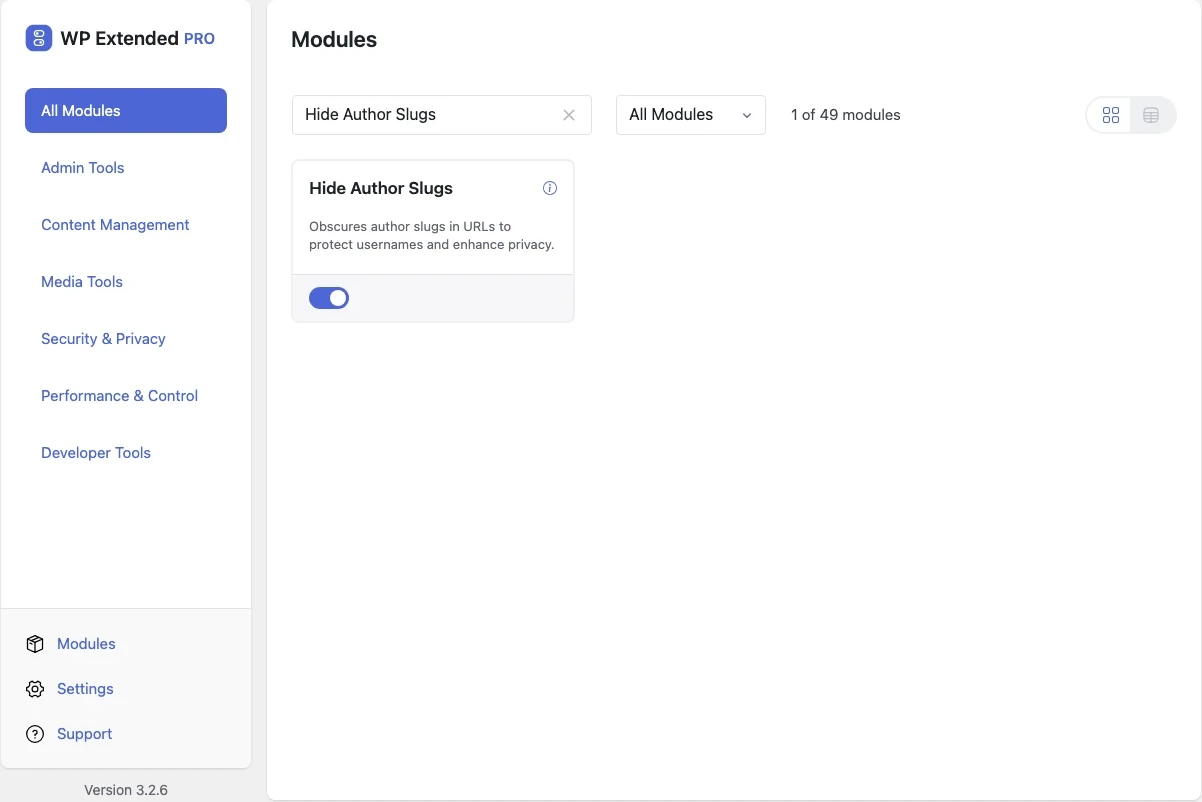
Hide usernames in WordPress author URLs
Author archive URLs normally include each person’s login name. This replaces it with an encrypted slug, in links and in the REST API.
Free on WordPress.org, with nothing locked behind Pro.
- in the free plugin
- Free
- updates since 2025
- 3
- last improved in
- 3.3.0
- Security & Privacy modules
- 9
Why you need Hide Author Slugs
/author/jsmith tells an attacker that “jsmith” is a valid login. With half the credentials known, guessing the password is the only step left.
What Hide Author Slugs does
Encrypted slugs
Author links use a slug that can’t be reversed into a username or user ID.
REST API covered
User endpoints return the encrypted slug too.
Bad requests 404
Anything that doesn’t match a real author returns a 404.
Where Hide Author Slugs helps

Multi-author sites
Keep author archives without publishing login names.
Recent changes
The latest updates to Hide Author Slugs, from the WP Extended changelog.
Full changelogHide Author Slugs questions
Hide Author Slugs documentationYes. It is in the free plugin.
Yes. They switch to the encrypted slug, so update any links that pointed to the old address.
Get Hide Author Slugs free
Hide Author Slugs is in the free plugin on WordPress.org, alongside 34 other free modules you can switch on when you need them.
Pro from $29 a year · 14-day money-back guarantee