
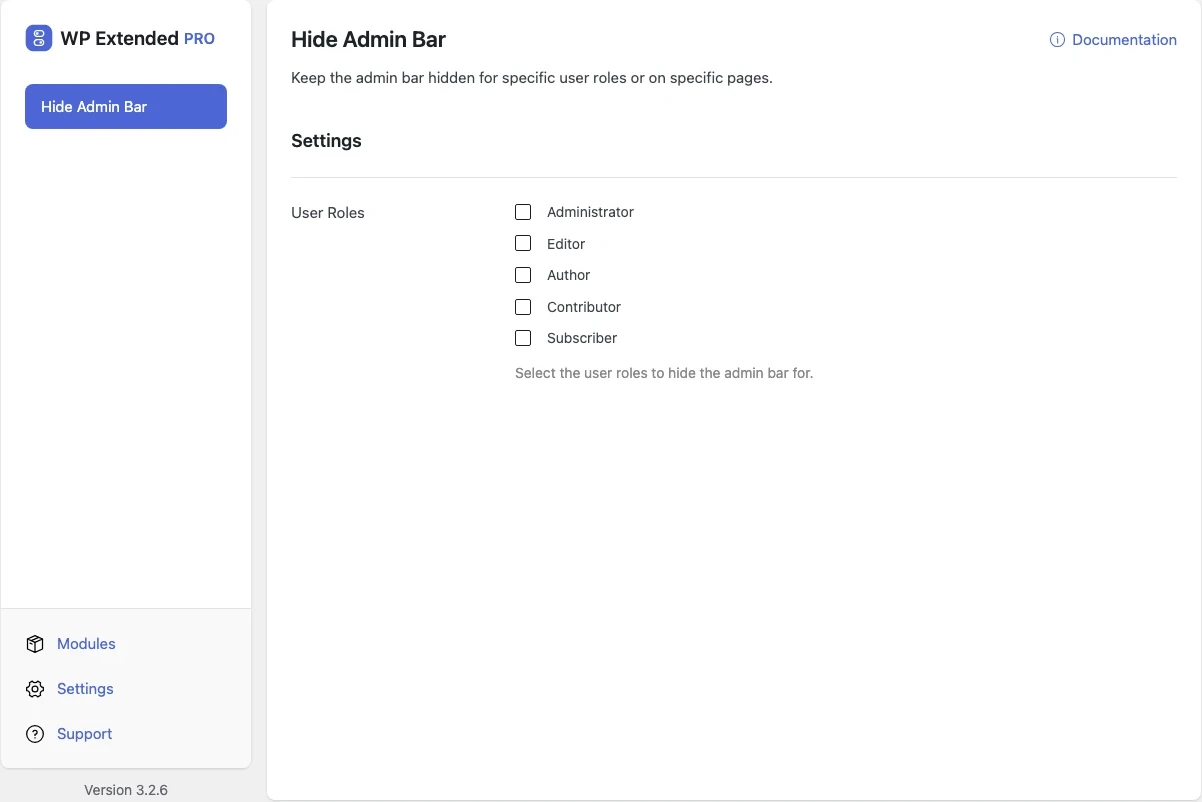
Hide the admin bar for chosen user roles
Hide the black admin bar on the front end for the roles that shouldn’t see it, such as subscribers, customers or members.
Free on WordPress.org. Pro adds the extra options listed below.
- with extra Pro options
- Free
- setting to configure
- 1
- developer hook
- 1
- last improved in
- 3.0.2

Why you need Hide Admin Bar
On membership and WooCommerce sites, customers who log in see a WordPress toolbar at the top of every page. It looks broken and links them into an admin they shouldn’t use.
What Hide Admin Bar does
- By role Choose the user roles that never see the admin bar.
- Administrators too Pro adds the Administrator role, for admins who want to see the site as visitors do.
Free and Pro options
What you can set in the free plugin, and what WP Extended Pro adds.
In the free plugin Free
- User Roles Select the user roles to hide the admin bar for.
Pro options unlock on any Pro plan, from $29 a year.
Where Hide Admin Bar helps

WooCommerce customers
A clean storefront for logged-in shoppers.

Members and students
Keep the site looking like your site after login.
WP Extended vs the Hide Admin Bar plugin
The Hide Admin Bar plugin has 20k+ active installs on WordPress.org. If you only need this one job, that’s a fine choice. If the site also needs other modules on this list, it’s one less plugin to update.
- The difference
- Hide Admin Bar does the same core job inside WP Extended, so it shares one settings screen, one update and one support team with every other module you use.
For developers
Hide Admin Bar has 1 hook for changing its behaviour per project, without editing the plugin.
All Hide Admin Bar hooksadd_filter( 'wpextended/hide-admin-bar/user_roles', function ( $options ) {
// Filters the user roles offered in this module’s settings.
return $options;
} );- hide-admin-bar/user_roles
Hide Admin Bar questions
Hide Admin Bar documentationYes. Hiding the bar for any role except Administrator is free. WP Extended Pro adds the Administrator role.
Get Hide Admin Bar free
Hide Admin Bar is in the free plugin on WordPress.org, alongside 34 other free modules you can switch on when you need them.
Pro from $29 a year · 14-day money-back guarantee