
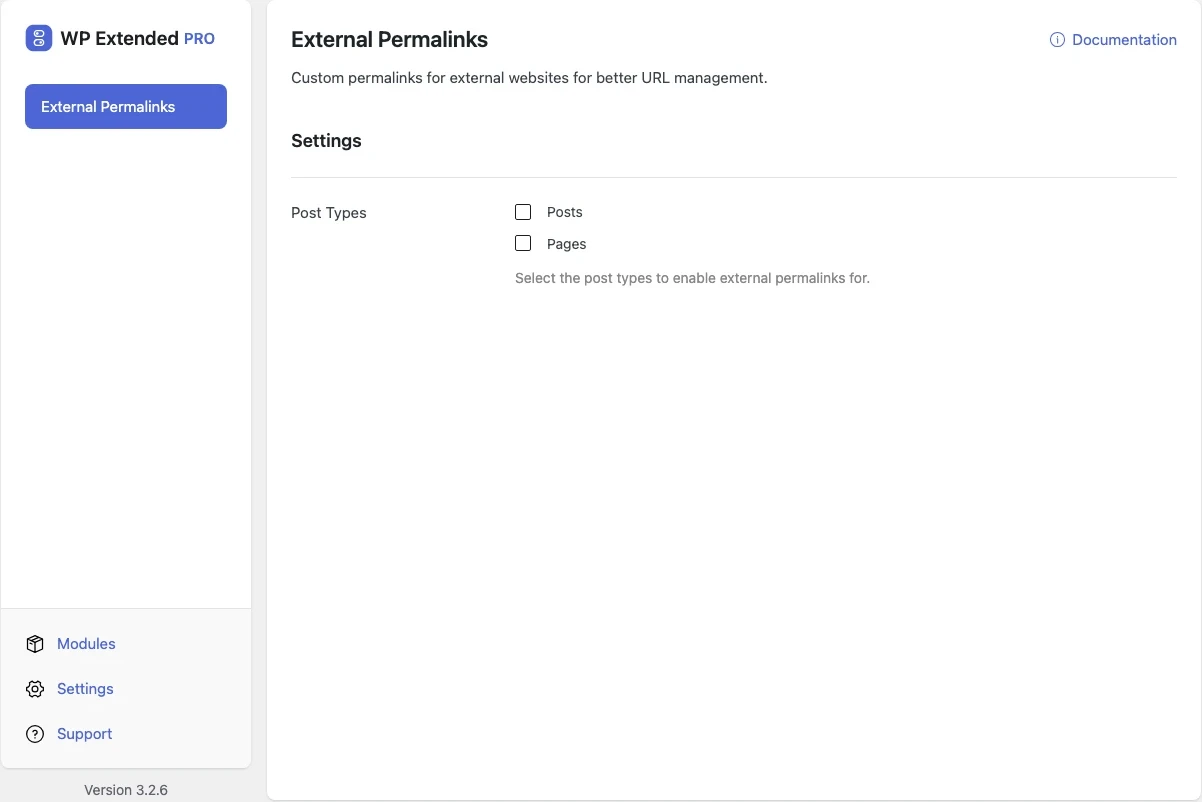
Link a post or page to an external URL
Give any post or page an external URL. It still appears in your archives, menus and grids, but clicking it goes straight to the other site.
Free on WordPress.org, with nothing locked behind Pro.
- in the free plugin
- Free
- setting to configure
- 1
- developer hooks
- 3
- last improved in
- 3.1.0

Why you need External Permalinks
Press mentions, partner pages and resources hosted elsewhere need to sit in your post lists, but linking them out usually means custom code in the theme.
What External Permalinks does
- Per item Set the external URL from the editor.
- Choose post types Enable it only on the post types that need it.
What you can configure
1 settings, all in the free plugin.
- Post Types Select the post types to enable external permalinks for.
Where External Permalinks helps

Press and coverage
List articles about you that live on news sites.

Resource libraries
Mix your own guides with external links in one archive.
For developers
External Permalinks has 3 hooks for changing its behaviour per project, without editing the plugin.
All External Permalinks hooksadd_filter( 'wpextended/external-permalinks/excluded_post_types', function ( $value ) {
// Return the value you want to use
return $value;
} );- external-permalinks/excluded_post_types
- external-permalinks/redirect_status
- external-permalinks/translations
Recent changes
The latest updates to External Permalinks, from the WP Extended changelog.
Full changelog- v3.1.0 22 Sept 2025
- new
Native Block Editor support.
- new
External Permalinks questions
External Permalinks documentationYes. It is in the free plugin.
Get External Permalinks free
External Permalinks is in the free plugin on WordPress.org, alongside 34 other free modules you can switch on when you need them.
Pro from $29 a year · 14-day money-back guarantee