
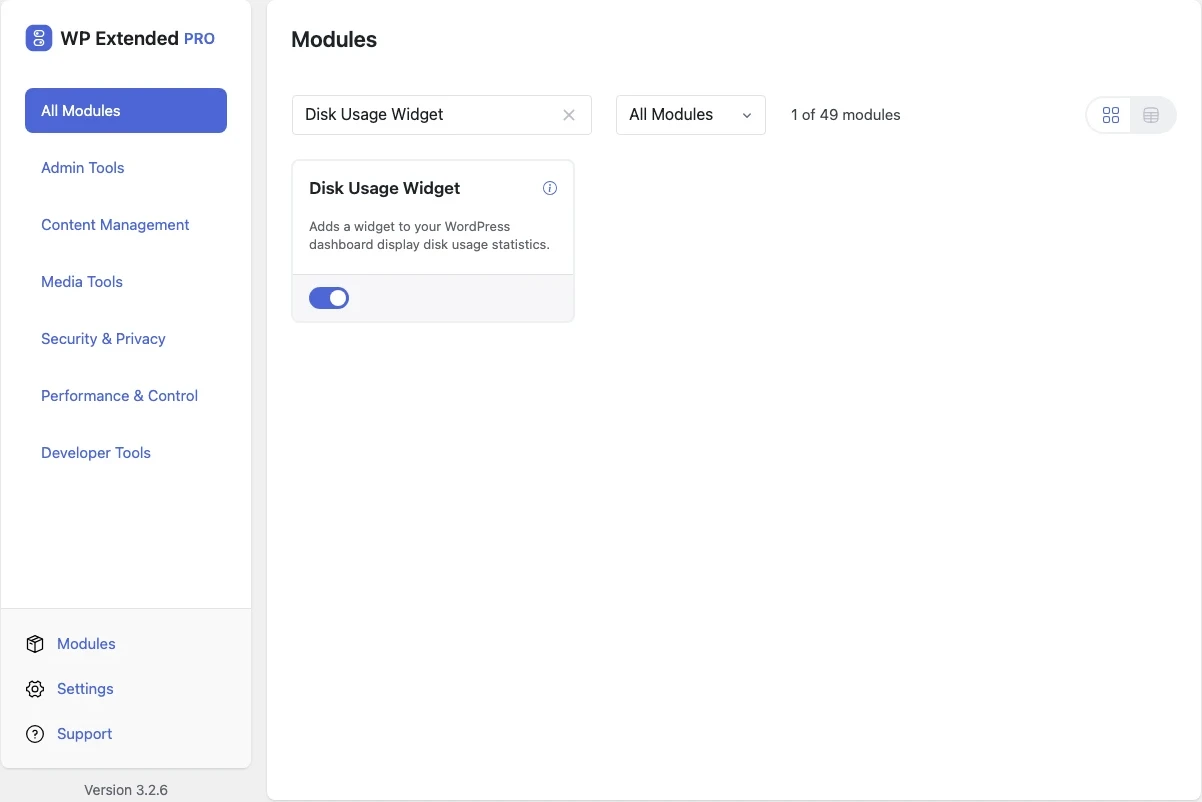
Disk Usage Widget Free
See disk usage on the WordPress dashboard
A dashboard widget that shows how much space the site uses, broken down by folder, with a warning as you approach the limit.
Free on WordPress.org, with nothing locked behind Pro.
- in the free plugin
- Free
- developer hook
- 1
- Admin Tools modules
- 12

Why you need Disk Usage Widget
Hosting storage fills up quietly until uploads or backups start failing. By then the site is already broken.
What Disk Usage Widget does
- Space at a glance Total usage and the folders using the most space.
- Early warnings A warning state as usage approaches the limit, and an error state when it’s reached.
Where Disk Usage Widget helps

Client sites on shared hosting
Spot a full disk before it stops backups.
For developers
Disk Usage Widget has 1 hook for changing its behaviour per project, without editing the plugin.
All Disk Usage Widget hooksfilter functions.php or a Code Snippet
add_filter( 'wpextended/disk_usage/thresholds', function ( $value ) {
    // Return the value you want to use
    return $value;
} );- disk_usage/thresholds
Disk Usage Widget questions
Disk Usage Widget documentationYes. It is in the free plugin.
Get Disk Usage Widget free
Disk Usage Widget is in the free plugin on WordPress.org, alongside 34 other free modules you can switch on when you need them.
Pro from $29 a year · 14-day money-back guarantee