

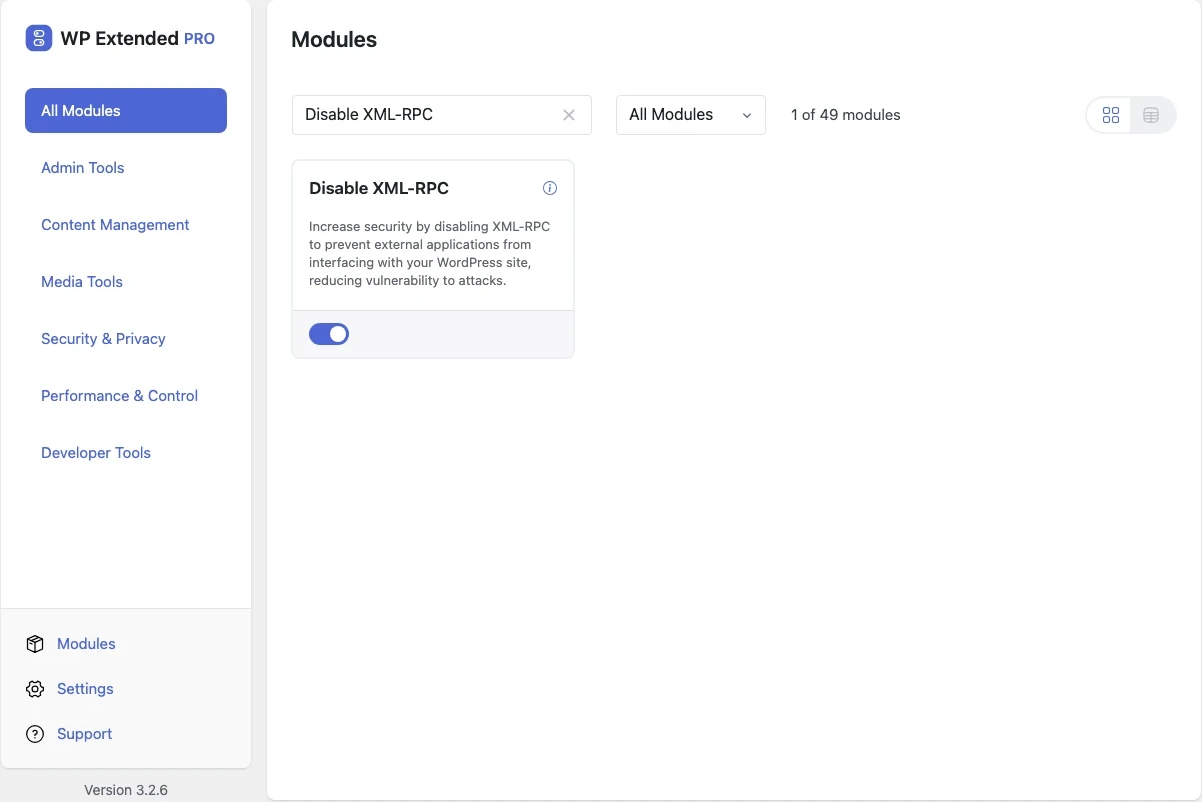
Disable XML-RPC in WordPress
Switch off xmlrpc.php, the old remote publishing endpoint that attackers use to try many passwords in a single request.
Free on WordPress.org, with nothing locked behind Pro.
- in the free plugin
- Free
- updates since 2024
- 4
- last improved in
- 3.3.0
- Security & Privacy modules
- 9

Why you need Disable XML-RPC
XML-RPC predates the REST API and most sites no longer need it. It still accepts login attempts, often outside the limits a login plugin sets on wp-login.php.
What Disable XML-RPC does
- Endpoint closed Requests to XML-RPC are refused.
Where Disable XML-RPC helps

Any site not using the old mobile app or Jetpack
Close an attack route that nothing on the site uses.
WP Extended vs the Disable XML-RPC plugin
The Disable XML-RPC plugin has 200k+ active installs on WordPress.org. If you only need this one job, that’s a fine choice. If the site also needs other modules on this list, it’s one less plugin to update.
- The difference
- Disable XML-RPC does the same core job inside WP Extended, so it shares one settings screen, one update and one support team with every other module you use.
Disable XML-RPC questions
Disable XML-RPC documentationYes. It is in the free plugin.
Only tools that still use XML-RPC, such as some older remote publishing apps and certain Jetpack features. Check before enabling it on a site that uses them.
Get Disable XML-RPC free
Disable XML-RPC is in the free plugin on WordPress.org, alongside 34 other free modules you can switch on when you need them.
Pro from $29 a year · 14-day money-back guarantee