

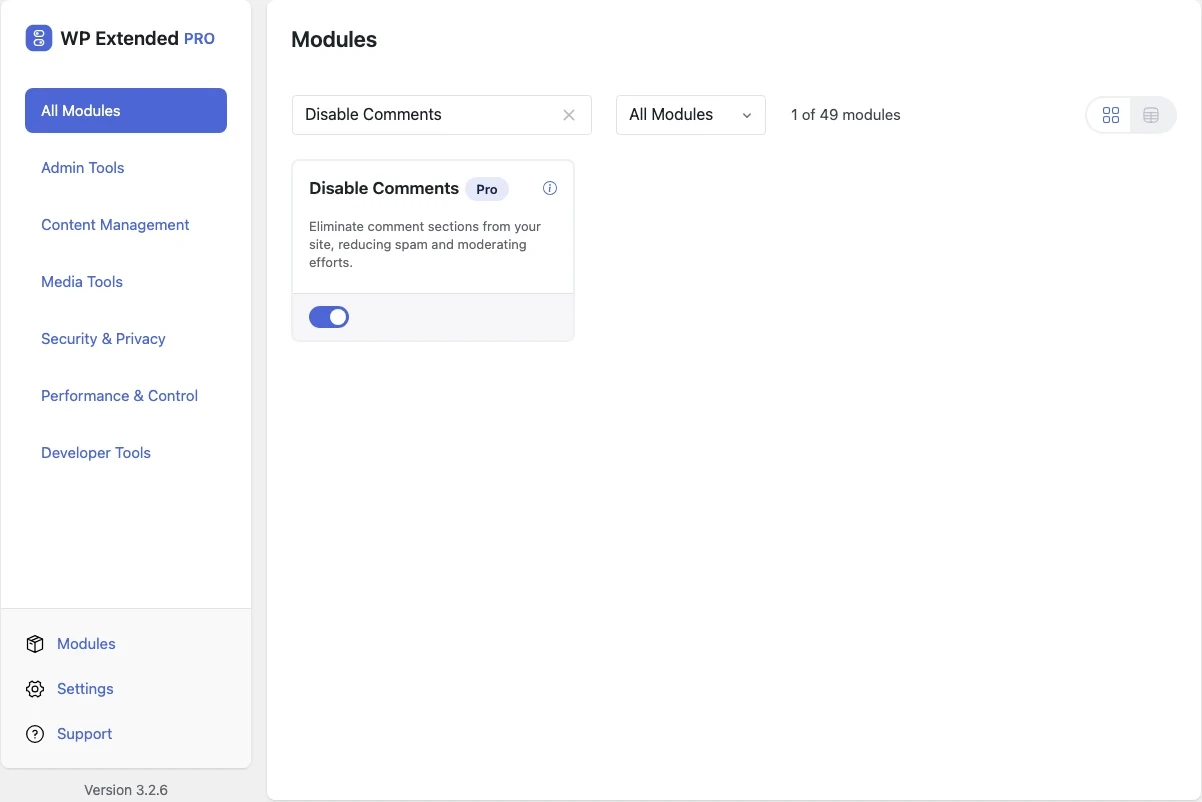
Turn off WordPress comments everywhere
Remove comment forms, the Comments menu and the admin bar link in one switch. No more spam to moderate on sites that never needed comments.
Included in every Pro plan, alongside all the other modules.
- included in every Pro plan
- Pro
- last improved in
- 3.3.0
- Performance & Control modules
- 8

Why you need Disable Comments
Most business sites never use comments, but WordPress keeps the forms open by default. Bots fill the moderation queue with spam, and old posts keep accepting comments nobody reads.
Turning comments off by hand means changing discussion settings, editing every existing post and hiding menus.
What Disable Comments does
One switch
Comment forms, existing comment display and new submissions are all switched off.
Cleaner admin
The Comments menu, the Recent Comments dashboard widget and the admin bar link are removed.
WooCommerce aware
Product reviews can be kept as an exception.
Where Disable Comments helps

Brochure and business sites
Close the spam route on sites that only publish news or services.

Client handover
Remove a menu the client would never use.
WP Extended vs the Disable Comments plugin
The Disable Comments plugin has 1M+ active installs on WordPress.org. If you only need this one job, that’s a fine choice. If the site also needs other modules on this list, it’s one less plugin to update.
- What Disable Comments covers
- Switching comments off across the site and admin, with an exception for WooCommerce product reviews.
- When to choose the specialist plugin
- If you need to bulk-delete existing comments or switch comments off for some post types only, a dedicated plugin can do that.
- v3.3.0 10 Sept 2026
- fixed
The Comments admin bar link was always removed.
- fixed
The per-product exception was ignored in the admin.
- fixed
Disable Comments questions
Disable Comments documentationNo. It is part of WP Extended Pro.
No. Comments stay in the database and are hidden. Switch the module off and they come back.
Yes. Product reviews can be kept while comments are off everywhere else.
Get Disable Comments with WP Extended Pro
Every Pro plan includes Disable Comments and the rest of the toolkit, with updates and support.
Pro from $29 a year · 14-day money-back guarantee