
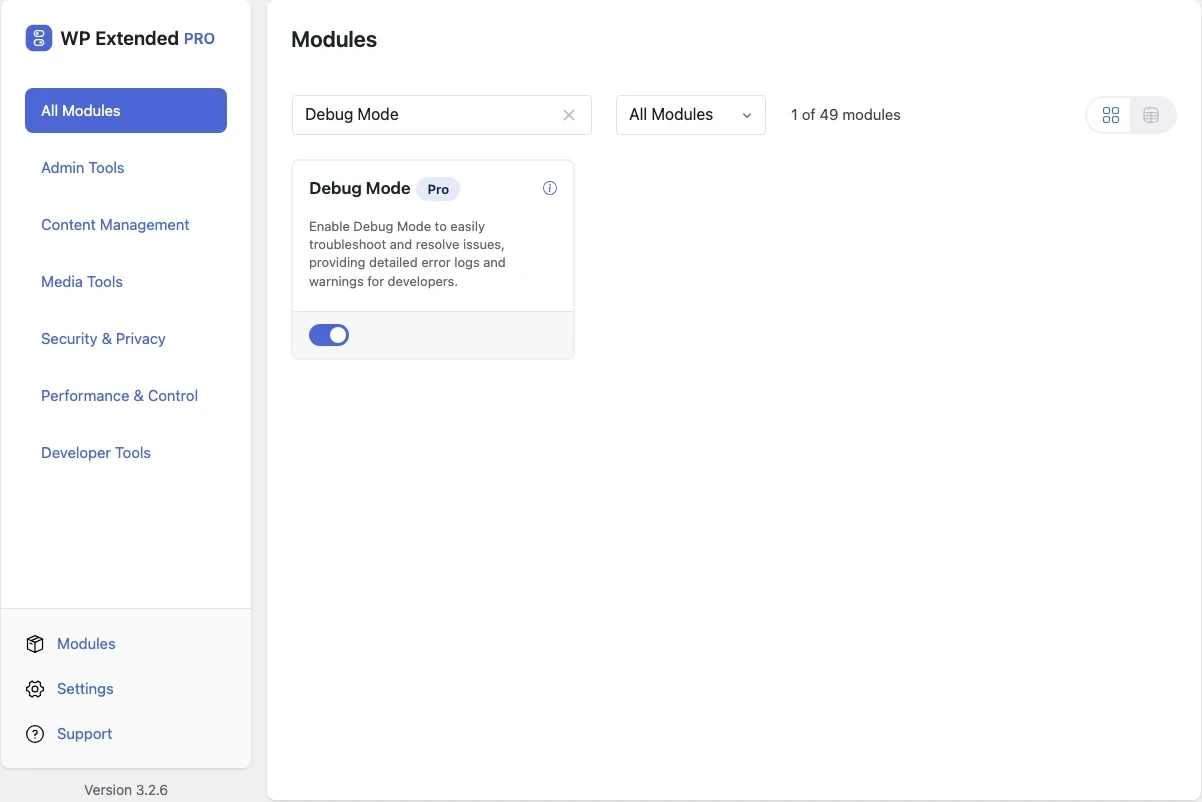
Turn WordPress debug mode on and off
Switch WP_DEBUG on when you need to see errors, and off again when you’re done, from the admin. You don’t need FTP or wp-config.php edits.
Included in every Pro plan, alongside all the other modules.
- included in every Pro plan
- Pro
- last improved in
- 3.2.6
- Developer Tools modules
- 6

Why you need Debug Mode
Turning on debugging means opening wp-config.php on the server, changing a constant and remembering to change it back. On managed hosting, getting to that file can take longer than the fix.
What Debug Mode does
- One switch Enabling the module turns WP_DEBUG on, and disabling it turns WP_DEBUG off.
- Status notices The admin tells you when debugging is on, and if it was changed outside WP Extended.
Where Debug Mode helps

Troubleshooting
See the PHP notices and warnings behind a white screen or broken feature.

Staging sites
Keep debugging on while building, then switch it off before launch.
“Previously I had to install multiple plugins for each feature of this plugin. Features I love: Export Users, Duplicate Pages & Posts, Insert Headers & Footers Snippets, Debug Mode, SVG Upload.”
- v3.2.6 21 Apr 2026
- fixed
Persistent admin notice remaining visible after disabling the module [Pro].
- fixed
Debug Mode questions
Debug Mode documentationNo. It is part of WP Extended Pro.
No. Debug output can reveal file paths and other details. Switch it off when you’re finished.
Yes, but only a Super Admin can switch it on or off, because it edits wp-config.php for the whole network.
Get Debug Mode with WP Extended Pro
Every Pro plan includes Debug Mode and the rest of the toolkit, with updates and support.
Pro from $29 a year · 14-day money-back guarantee