

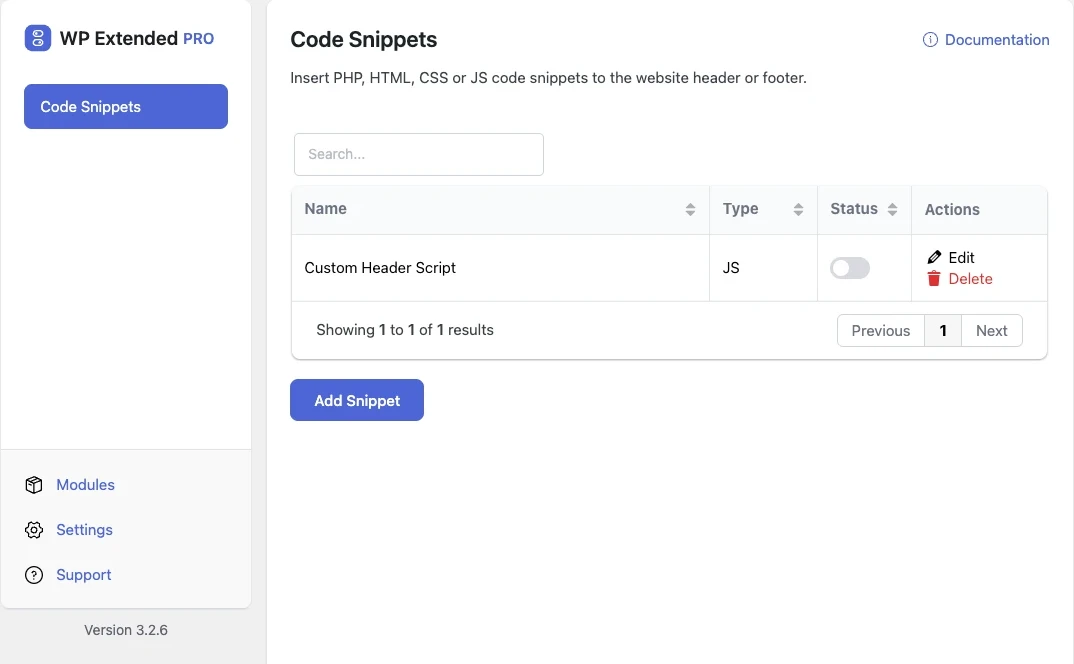
Add code snippets without editing theme files
Keep every PHP tweak, tracking script and CSS fix in one list. Each snippet can be switched on or off, is checked before it saves, and survives theme updates.
Free on WordPress.org, with nothing locked behind Pro.
- in the free plugin
- Free
- updates since 2024
- 24
- last improved in
- 3.4.0
- Developer Tools modules
- 6

Why you need Code Snippets
Small changes usually end up in functions.php. They disappear when the theme updates, nobody remembers why they are there, and one missing semicolon takes the site down.
Scripts for analytics or chat widgets get pasted into theme headers by whoever needed them, so a site ends up with code nobody can account for.
What Code Snippets does
PHP, HTML, CSS and JavaScript
Write each type of snippet in its own editor and output it in the header or footer.
Syntax checks before saving
Unmatched braces, missing semicolons and functions or classes declared twice are caught before they reach your site.
Safe Mode switch
Turn every snippet off from the editor if something goes wrong, without editing a URL or using FTP.
On and off per snippet
Disable a snippet to test without it, and keep it saved for later.
Set it up
In WordPress, open WP Extended and find Code Snippets under Developer Tools.
Full setup guide- 01 Turn on Code Snippets under Developer Tools.
- 02 Add a snippet, give it a name and choose PHP, HTML, CSS or JavaScript.
- 03 Paste your code and save. WP Extended checks the syntax first.
- 04 Switch the snippet on. If anything breaks, use Safe Mode to turn every snippet off.
Where Code Snippets helps

Replace functions.php edits
Move theme tweaks into named snippets that survive theme updates and switches.

Tracking and verification tags
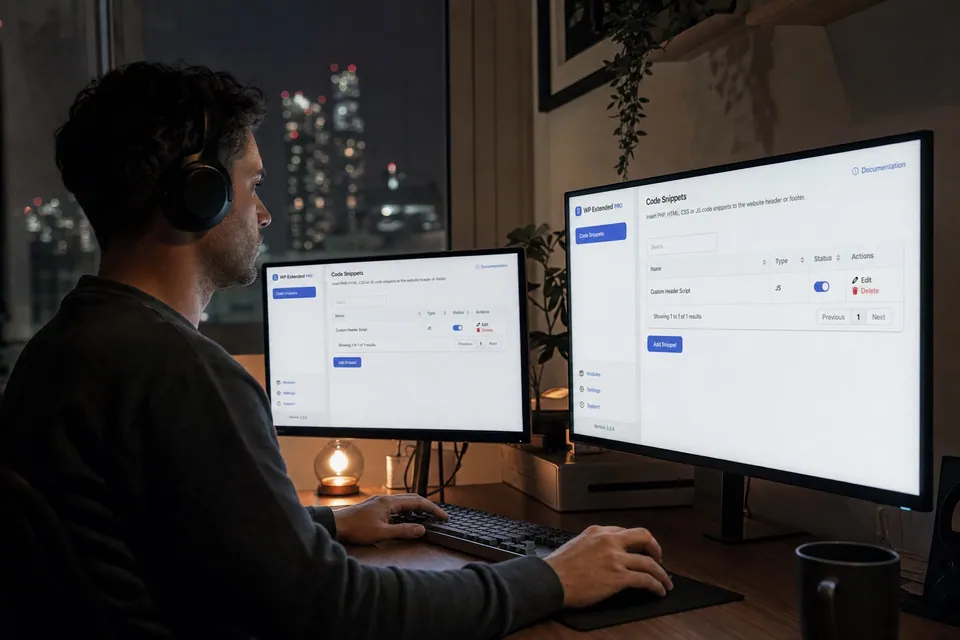
Add site verification and third-party scripts to the header in one place.
Quick CSS fixes
Patch a layout issue with a CSS snippet without touching the theme’s stylesheet.
WP Extended vs the Code Snippets plugin
The Code Snippets plugin has 1M+ active installs and WPCode has 3M+ active installs on WordPress.org. If you only need this one job, that’s a fine choice. If the site also needs other modules on this list, it’s one less plugin to update.
- What Code Snippets covers
- PHP, HTML, CSS and JavaScript snippets with syntax checks, on/off switches and Safe Mode.
- When to choose the specialist plugin
- If you want a large library of ready-made snippets or detailed conditional logic for where each one loads, a dedicated snippets plugin goes further.
“Turn on what you need, leave the rest off. Duplicate posts, SMTP, rollback, custom admin URL, code snippets… stuff I used to install four or five separate plugins for. Now it’s just one with one update to run and one UI to deal with.”
- v3.4.0 3 Nov 2026
- improved
PHP is highlighted even without an opening tag.
- improved
The editor is wider.
- improved
- v3.3.0 10 Sept 2026
- new
Safe Mode switch in the editor, so you can turn every snippet off from the interface instead of by editing a URL.
- fixed
A snippet description could inject PHP into the generated file.
- fixed
A snippet pasted with its own opening PHP tag could take the site down.
- new
Code Snippets questions
Code Snippets documentationYes. Code Snippets is included in the free WordPress.org plugin.
Syntax checks catch the common mistakes before a snippet saves. If a snippet still causes a problem, switch on Safe Mode from the editor to turn every snippet off.
Yes. Snippets are stored by WP Extended, not in your theme, so updating or changing the theme doesn’t touch them.
You don’t need to. Snippets that include their own opening tag are handled safely.
Get Code Snippets free
Code Snippets is in the free plugin on WordPress.org, alongside 34 other free modules you can switch on when you need them.
Pro from $29 a year · 14-day money-back guarantee