

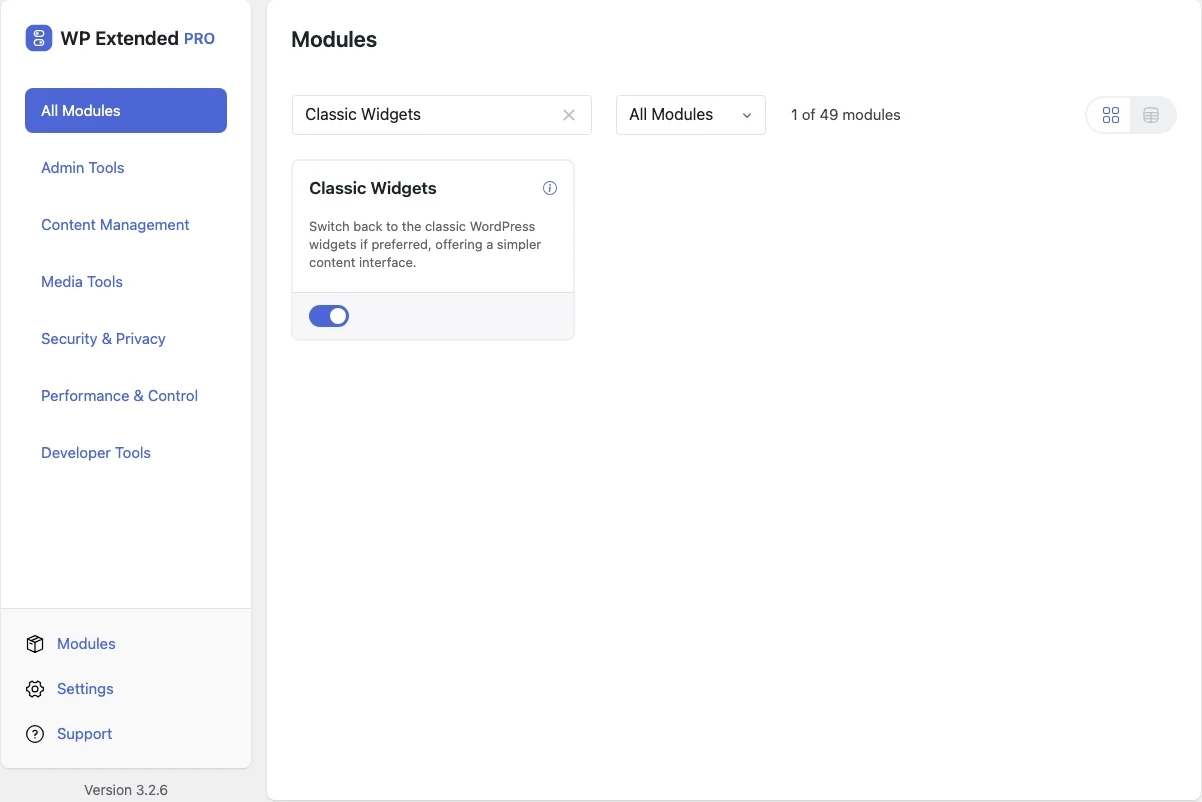
Restore the classic widgets screen
Switch Appearance → Widgets back to the classic drag-and-drop screen that most themes and widget plugins were built for.
Free on WordPress.org, with nothing locked behind Pro.
- in the free plugin
- Free
- Content Management modules
- 12
Why you need Classic Widgets
The block-based widgets editor changed how sidebars and footers are edited. Many themes and widget plugins still expect the classic screen.
What Classic Widgets does
- Classic widgets screen Drag-and-drop widget areas in Appearance → Widgets and the Customizer.
Where Classic Widgets helps

Classic themes
Keep sidebars and footers working the way the theme was designed.
WP Extended vs the Classic Widgets plugin
The Classic Widgets plugin has 2M+ active installs on WordPress.org. If you only need this one job, that’s a fine choice. If the site also needs other modules on this list, it’s one less plugin to update.
- The difference
- Classic Widgets does the same core job inside WP Extended, so it shares one settings screen, one update and one support team with every other module you use.
“Features I love the most: Disable Gutenberg Widgets, Duplicate Page and Posts, Limit Login Attempts, Post & Page Order, Maintenance Mode.”
Classic Widgets questions
Classic Widgets documentationYes. It is in the free plugin, with no settings to configure. Switch it on and the classic screen returns.
Yes, with the official plugin or one line of code. Our guide to restoring classic widgets compares the options.
Get Classic Widgets free
Classic Widgets is in the free plugin on WordPress.org, alongside 34 other free modules you can switch on when you need them.
Pro from $29 a year · 14-day money-back guarantee