

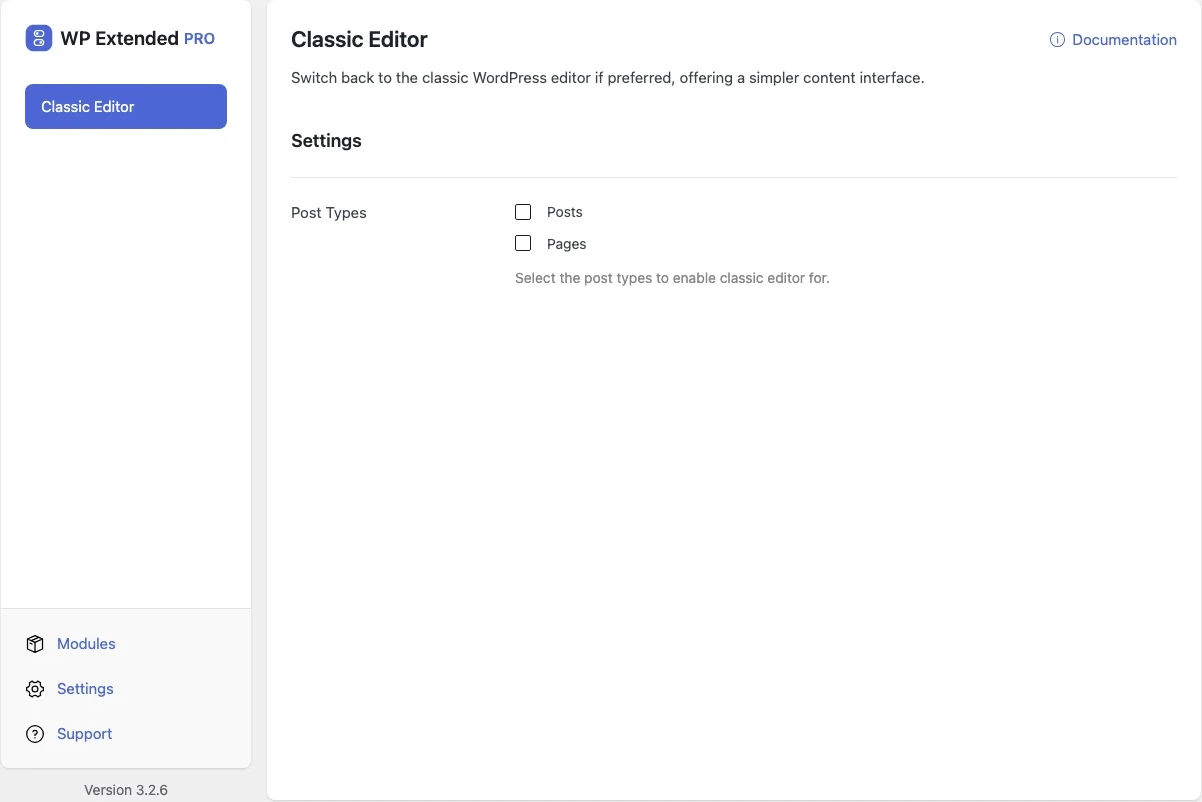
Bring back the classic WordPress editor
Replace the block editor with the classic editor for teams and content that work better with it. Pro lets you choose which post types use it.
Free on WordPress.org. Pro adds the extra options listed below.
- with extra Pro options
- Free
- setting to configure
- 1
- developer hooks
- 2
- Content Management modules
- 12

Why you need Classic Editor
Some sites, themes and editorial teams still rely on the classic editor. Installing a separate plugin to get it back adds one more thing to update.
What Classic Editor does
- Classic editing back The familiar editor with the visual and text tabs.
- Per post type Pro keeps the block editor for pages while posts use the classic editor, or any mix you need.
Free and Pro options
What you can set in the free plugin, and what WP Extended Pro adds.
Added by Pro Pro
- Post Types Select the post types to enable classic editor for.
Pro options unlock on any Pro plan, from $29 a year.
Where Classic Editor helps

Older themes
Sites built before the block editor, where layouts depend on classic content.

Editorial teams
Writers who want a plain editor for long-form posts.
WP Extended vs the Classic Editor plugin
The Classic Editor plugin has 8M+ active installs on WordPress.org. If you only need this one job, that’s a fine choice. If the site also needs other modules on this list, it’s one less plugin to update.
- The difference
- Classic Editor does the same core job inside WP Extended, so it shares one settings screen, one update and one support team with every other module you use.
For developers
Classic Editor has 2 hooks for changing its behaviour per project, without editing the plugin.
All Classic Editor hooksadd_filter( 'wpextended/classic-editor/disable_gutenberg', function ( $value ) {
// Return the value you want to use
return $value;
} );- classic-editor/disable_gutenberg
- classic-editor/excluded_post_types
Classic Editor questions
Classic Editor documentationYes. Choosing post types is part of WP Extended Pro.
Block content opens in the classic editor as HTML. Switch the module off to edit those posts in the block editor again.
Get Classic Editor free
Classic Editor is in the free plugin on WordPress.org, alongside 34 other free modules you can switch on when you need them.
Pro from $29 a year · 14-day money-back guarantee