

Delete a post or page in WordPress and it goes to the Trash, where you can restore it for 30 days. Delete an image or file from the Media Library and it’s gone at once: the file is removed from the server and its record from the database.
One wrong click can remove an image from every page that used it, with no undo. On sites with several editors, that happens more often than you’d think.
WordPress has a media trash, switched off
WordPress includes a trash for media, but it’s off by default. It’s controlled by a constant called MEDIA_TRASH. When it’s on, the Media Library gets the same Trash and Restore actions as posts, and deleting a file moves it to the trash instead.
Option 1: edit wp-config.php
Open wp-config.php in your site’s root folder and add this line above the comment that says That’s all, stop editing!:
define( 'MEDIA_TRASH', true );Save the file and reload the Media Library.
This needs access to your site’s files (SFTP or your host’s file manager), and a mistake in wp-config.php can take the site down, so take a backup first.
Option 2: switch it on from the admin
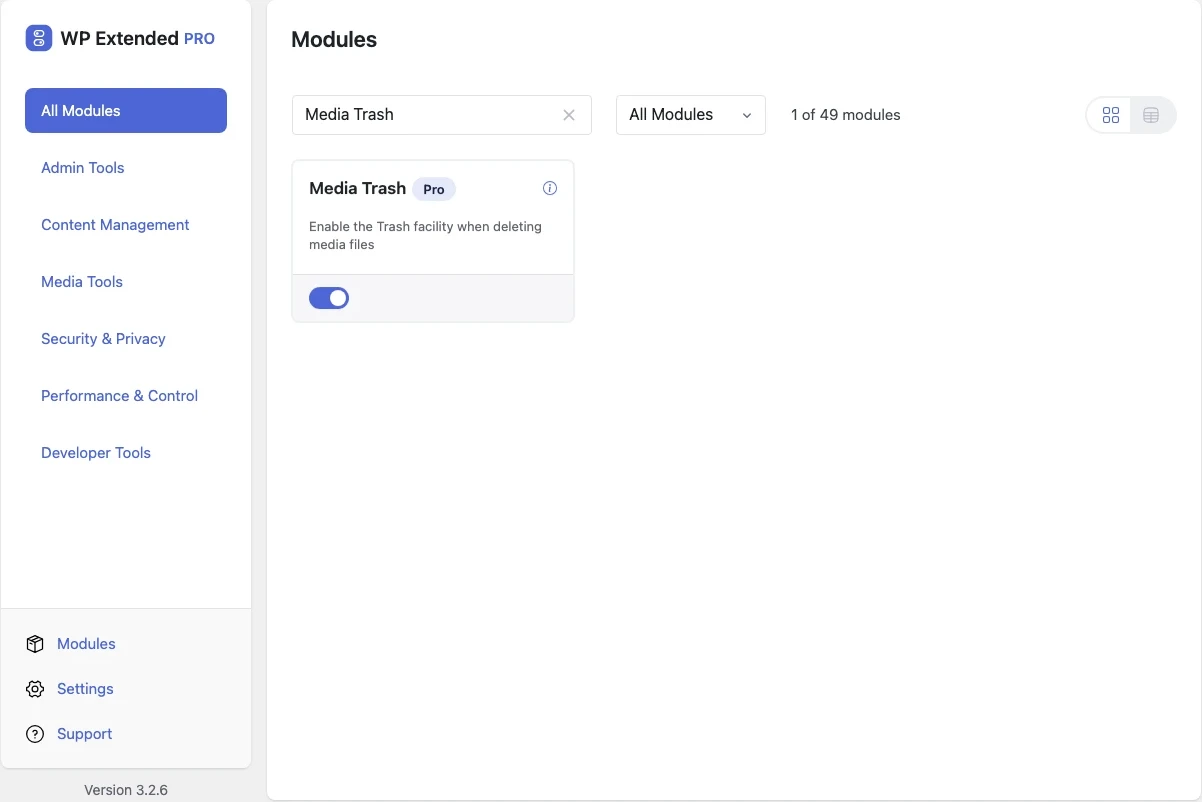
The Media Trash module in WP Extended Pro sets the same constant for you, without opening any files:
- Open WP Extended’s module screen.
- Switch on Media Trash under Media Tools.
WP Extended adds MEDIA_TRASH to wp-config.php when you switch the module on, and sets it back to false when you switch it off. Your host needs to allow WordPress to write to wp-config.php, which most do.
Working with the media trash
- Trash a file from the Media Library as you normally would. It moves to the trash instead of being deleted.
- Restore it from the Trash view if it was still needed.
- Delete permanently from the trash when you’re sure.
- WordPress empties the trash automatically after 30 days by default.
More ways to protect your media
- Replace instead of delete. If you’re deleting an image to upload a new version, Media Replace swaps the file and keeps the same URL, so every page that uses it updates.
- Keep the library organised. Folder Manager sorts media into folders, so it’s easier to see what’s in use before you delete anything.
- Keep backups. A trash protects against accidental clicks, not against server problems. Regular off-site backups are still essential.
Frequently asked questions
Can I recover an image I already deleted?
Not from WordPress. Without the media trash, deletion removes the file and its database record. Restore it from a backup, then switch on the trash so it can't happen again.
How long do trashed media files stay in the trash?
WordPress empties the trash after 30 days by default, for media as well as posts. Developers can change this with the EMPTY_TRASH_DAYS constant in wp-config.php.
Does a trashed image disappear from my pages?
A trashed file is no longer served as a normal attachment, so check where it was used before you trash it. Restore it and it works again.
Written with the help of AI tools and checked against the WP Extended plugin code.